
OnePlus Nord CE 3 Lite Dead After OTA Update Fix (F64 Box) – Flash File Download
📱 Introduction
If your OnePlus Nord CE 3 Lite suddenly became dead after a software update, you’re not alone. Many users have reported that their device stopped responding after an OTA update—no boot, no logo, completely dead.
In this guide, I will show you how to fix the dead issue using F64 Box and provide a safe flash file download link.
❗ Problem Description
After OTA update, the phone shows:
- No power / completely dead
- No vibration or logo
- Not charging
- Detected in PC as Qualcomm
👉 This issue usually happens due to:
- Corrupted firmware update
- Interrupted OTA installation
- Software crash during update
🛠️ Solution – Fix Using F64 Box
You can fix this issue by flashing the device using F64 Box tool.
Requirements:
- F64 Box
- Flash File (provided below)
- PC/Laptop
🎥 Video Tutorial (Watch Before Flashing)
For a complete practical demonstration, watch this video:
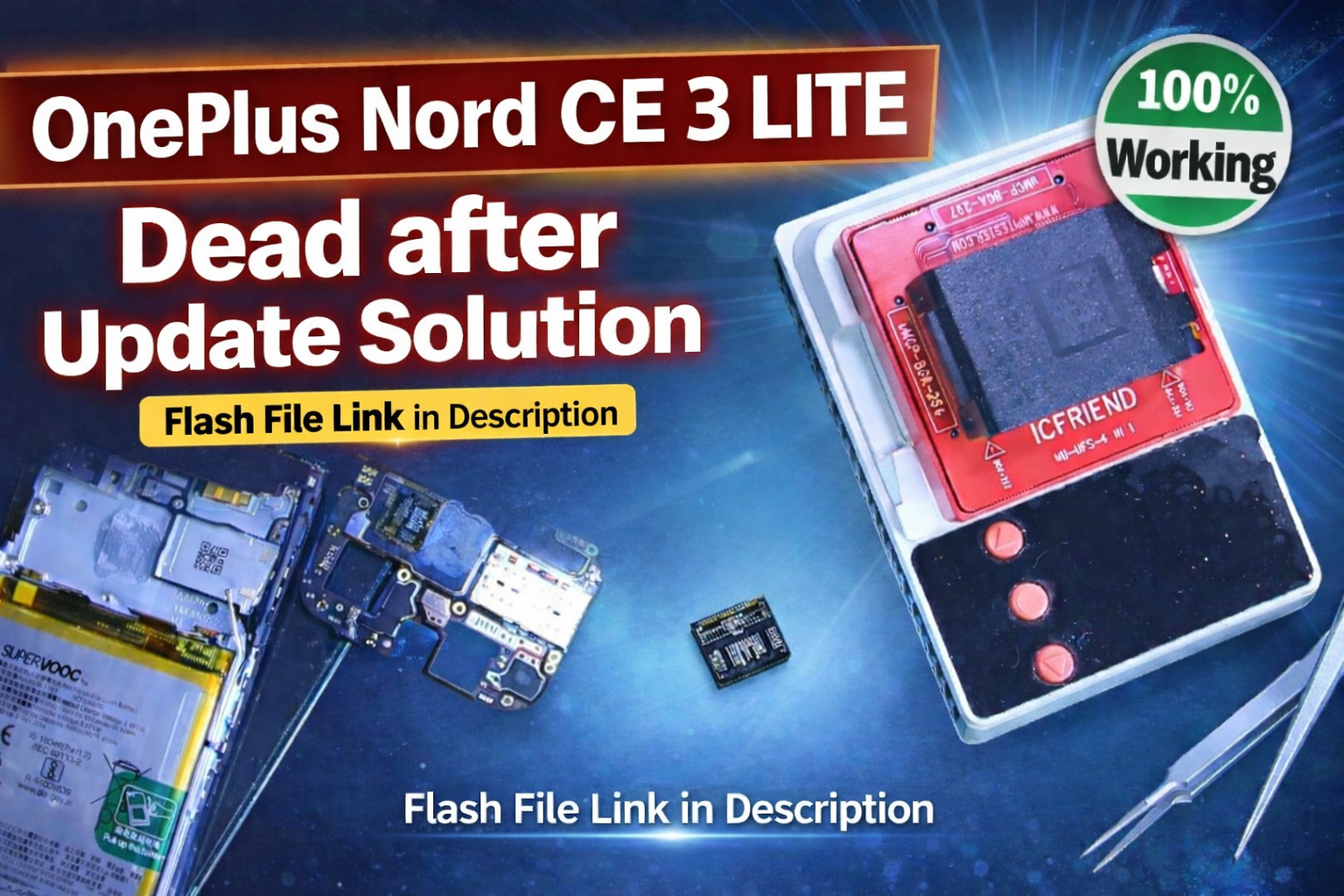
👉 https://youtu.be/Rc9bvB6rHxY
📥 Download Flash File
⚠️ Important: The flash file is provided only on the website to avoid misuse and ensure correct instructions.
👉 Download Link:
(Click here to download)
🔐 Password
⚠️ Important Notes
- Backup is not possible if the phone is dead
- Use the correct firmware only
- Do not disconnect during flashing
- Use a good-quality USB cable
❓ Frequently Asked Questions (FAQ)
Q1. Why did my phone die after OTA update?
OTA updates sometimes fail due to low battery, interruption, or firmware corruption.
Q2. Can this be fixed without flashing?
No. If the phone is completely dead, flashing is required.
Q3. Is this method safe?
Yes, if done correctly using proper tools and files.
Q4. Will data be recovered?
No, flashing will erase all data.
⚠️ Disclaimer
Flashing your device involves risk.
We are not responsible for any damage caused.